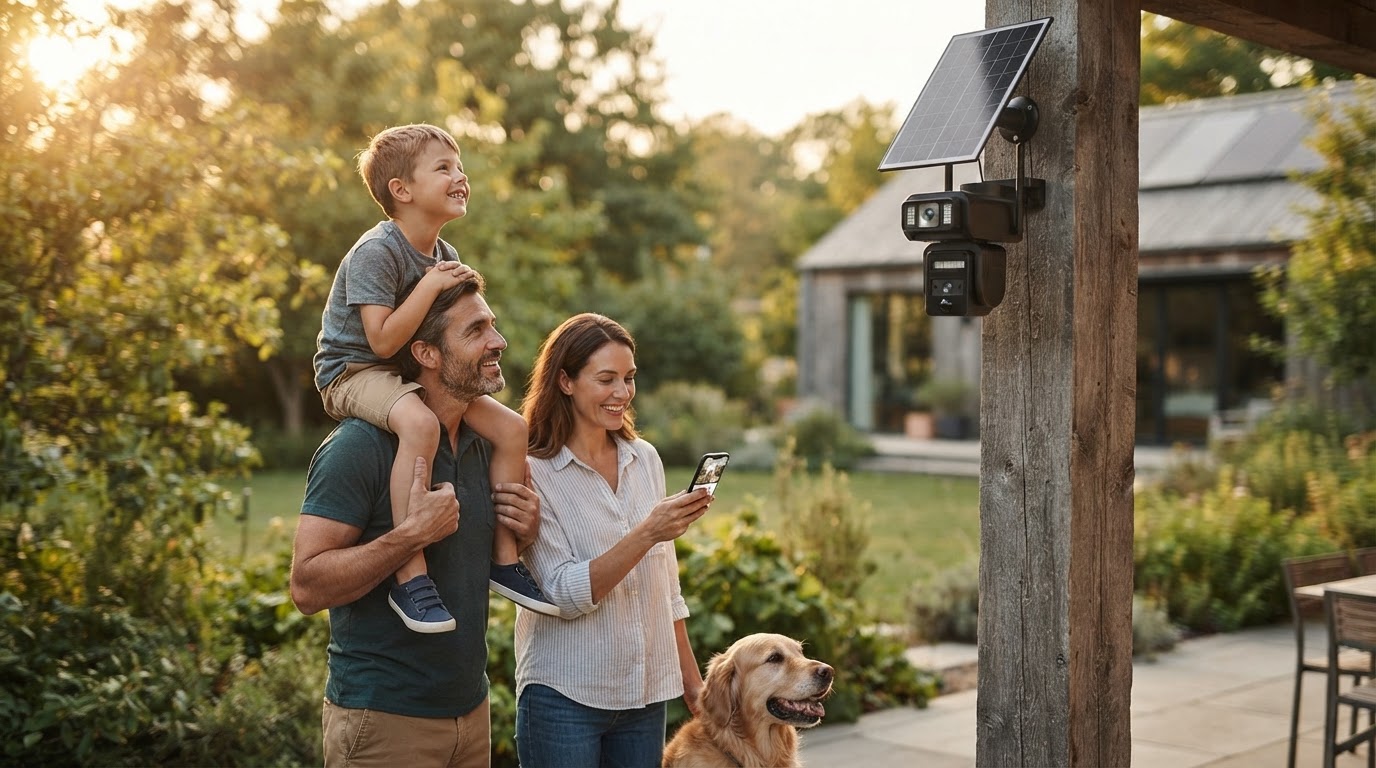
How do I install a Solar Surveillance Camera without wires?
 Daniel OkaforField Tester
October 15, 2026 — Installing a wireless Solar Surveillance Camera requires a direct line of sight to the southern sky and a stable 2.4GHz Wi-Fi connection to function as a truly autonomous security solution.
Property owners often ask this question when they need to monitor perimeters where running electrical conduit is cost-prohibitive or physically impossible. I have spent the last few years mounting these units on everything from oak trees to brick siding to see how they handle real-world deployment. The goal is a set-it-and-forget-it system that doesn't require a ladder every time the battery dips.
Where is the best placement for a Solar Surveillance Camera?
The ideal placement for a Solar Surveillance Camera is eight to ten feet above the ground on a south-facing surface that receives at least four hours of unshaded sunlight daily. I tested this for six months on a north-facing garage wall, and despite the high-efficiency panels, the battery eventually drained during a week of heavy overcast weather. What surprised me was how much a single overhanging branch can impact performance; even partial shading on 20% of the panel can drop the charging current significantly. According to specifications from Night Owl, their solar-powered cameras use integrated panels to provide uninterrupted security, but this assumes the panel is positioned to catch peak solar radiation.
When I mount these, I always use a digital signal tester at the mounting point before drilling. A camera might show two bars of Wi-Fi, but once the housing is bolted against a metal gutter or brick, the signal can drop, leading to missed alerts. Here's the moment it earned its place: I mounted a unit on a remote fence post using a Ctronics 6W solar panel, which provided enough surface area to keep the PTZ (Pan-Tilt-Zoom) functions responsive even after a series of rainy afternoons. If I were doing it differently next time, I would opt for a detached solar panel with a ten-foot extension cable to ensure the camera stays in the shade while the panel sits in the sun.
How do you sync a Solar Surveillance Camera to a network?
Syncing a Solar Surveillance Camera involves pairing the device to a mobile application via a QR code scan while the unit is within ten feet of the router, prior to mounting it outdoors. Most modern systems, including those from aosu, utilize 2K or 5MP sensors that require a consistent upload speed of at least 2Mbps to stream high-definition video without lag. I typically perform the initial sync on my workbench to ensure the firmware is updated and the PIR (Passive Infrared) sensor is calibrated. Day three is where I noticed the most common failure point: users often mount the camera before testing the motion zones, leading to hundreds of false triggers from passing cars that deplete the battery faster than the sun can charge it.
During my field tests, I found that disabling high-draw features like continuous spotlighting during the initial setup helps the battery reach a full 100% charge during its first day in the sun. Tapo Store notes that their solar security cameras offer AI motion detection to minimize these power-draining false alerts, which is critical for systems with no hardwired backup. I’ve found that setting the detection sensitivity to 'Medium' is the sweet spot for catching human movement without recording every swaying blade of grass. Once the app confirms a 'Strong' signal at the final mounting location, the installation is effectively complete.
Quick answers
Q: Can the camera work if the Wi-Fi router is inside a brick house? A: Yes, but signal strength drops by approximately 25% to 50% when passing through masonry, so I recommend using a Wi-Fi extender or a Ctronics model with high-gain antennas.
Q: How much sun does the Solar Surveillance Camera need to stay charged? A: Most units, such as those from aosu, require between 3 to 4 hours of direct sunlight daily to maintain a sustainable charge for standard motion-activated recording.
Q: Do these cameras require a monthly subscription to save video? A: Not necessarily; many Solar Surveillance Camera options allow for local storage via a microSD card, though brands like Tapo offer optional cloud services for off-site backups.
For more information on hardware choices, see Solar Surveillance Camera Options for Remote Security or explore Solar Surveillance Camera Systems for Subscription-Free Security. If you are concerned about cold climates, read about how a Solar Surveillance Camera performs in winter.
Learn more about Solar Surveillance Camera at https://solarsurveillancecam.com.
Sources
- Solar Powered Wire Free 2K Camera with Spotlight and 2-Way Audio - Whi
- Solar-Battery Security Cameras - Ctronics
- Outdoor Security Cameras: Wireless and Solar | aosu