
How to Install a Solar Security Camera with the icam365 App
Installing a wire-free outdoor security camera is a straightforward process that requires no electric lines or professional wiring. Following these steps ensures your camera connects seamlessly to your network while delivering optimal solar charging efficiency. For a complete understanding of system capabilities, refer to the main guide.
Step 1: Initial Battery Charging

Before mounting the unit outside, open the protective port cover and connect the camera to a standard 5V/2A phone charger. Charge the built-in 8000mAh battery continuously for approximately 10 hours. This initial full charge conditions the battery and guarantees sufficient power during initial configuration and app alignment.
Step 2: Powering On and Hardware Initialization
Unplug the charging cable and locate the power toggle switch inside the charging port cover. Flip the switch to the "ON" position. The camera will automatically perform a self-calibration spin, rotating its motorized pan-tilt head. Wait until the camera completes its rotation and stops moving entirely before proceeding.
Step 3: Downloading and Pairing the icam365 App
Download the icam365 app on your smartphone and ensure your mobile device is connected to a 2.4GHz WiFi network (5GHz networks are not supported). Open the app and scan the unique QR code printed directly on the camera body. Follow the on-screen prompts to input your 2.4GHz WiFi credentials. If the camera fails to pair, press and hold the reset button located inside the port cover until the lens rotates again, then retry the pairing process.
Step 4: Physical Mounting and Solar Alignment
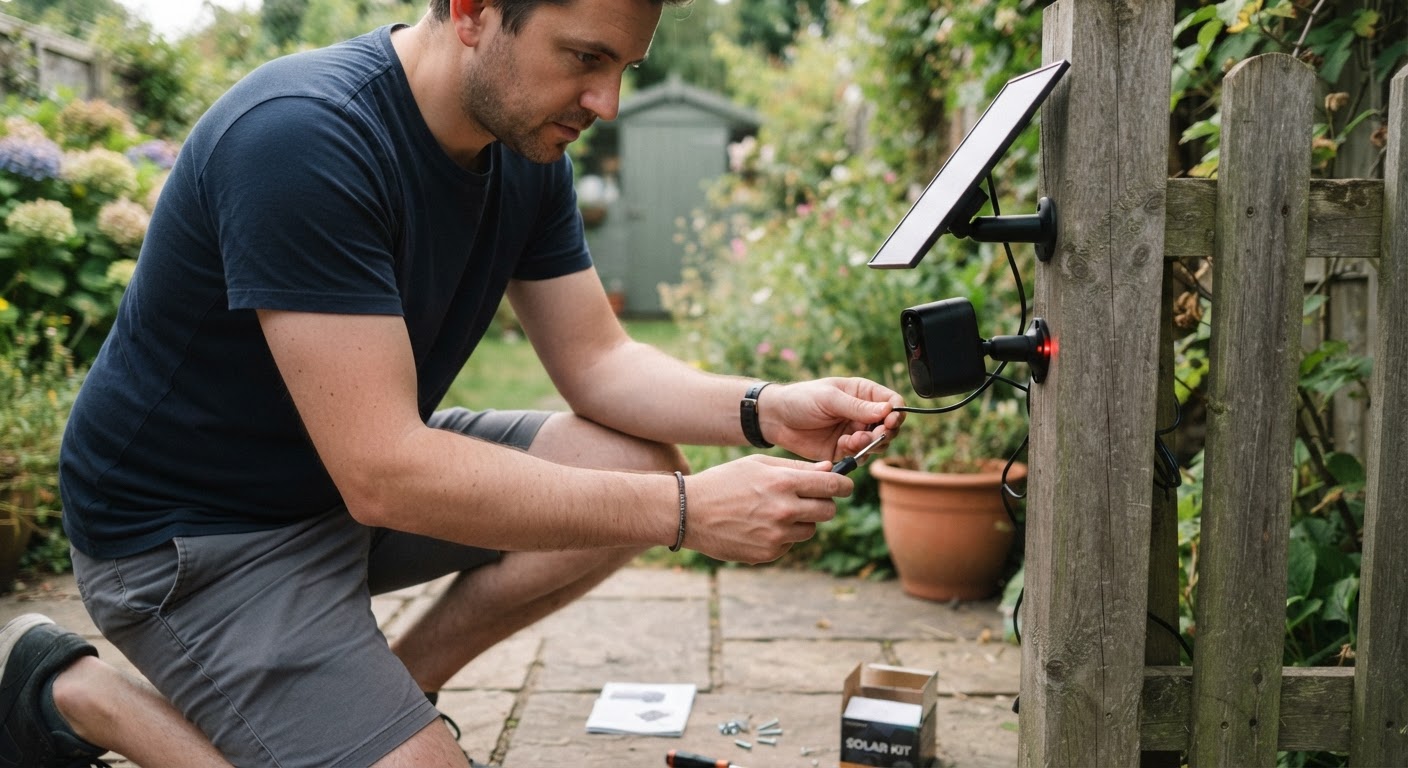
Select an exterior location with strong 2.4GHz WiFi reception and direct exposure to sunlight. Secure the mounting bracket using the included screw kits. Fasten the IP66 waterproof camera body (dimensions 26 cm x 20 cm x 17 cm) and attach the dedicated solar panel bracket. Angle the solar panel toward direct sun exposure to ensure optimal daily charging performance.
Read the full guide: How Do Solar Powered Security Cameras Work: The Complete Guide