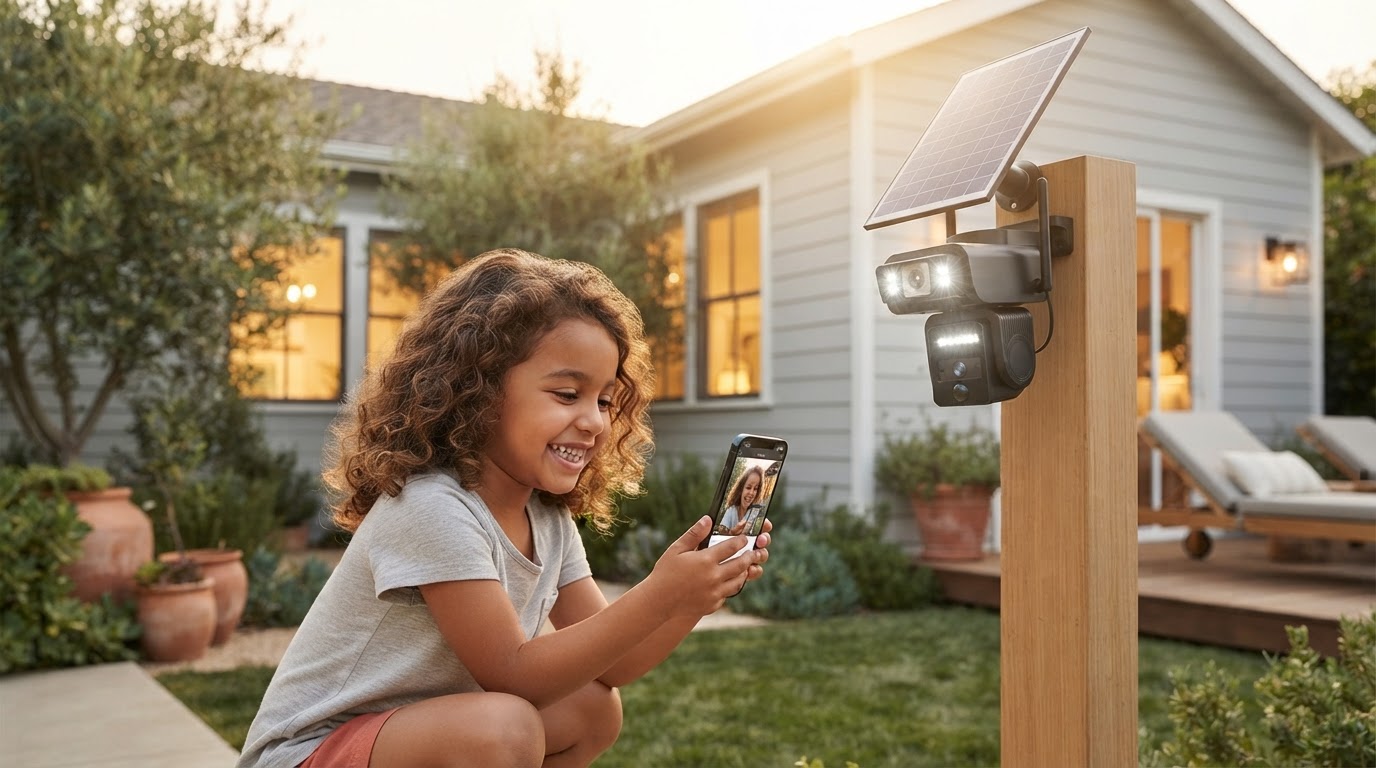
How to set up a wireless solar camera for home security?
 Maya ChenContributing Editor
September 24, 2026 — Setting up a wireless solar camera for home requires a specific balance between 2.4GHz Wi-Fi signal strength and a minimum of four hours of direct solar exposure to maintain battery equilibrium.
The conventional wisdom says that solar-powered devices are "set and forget," but for residential users, the reality involves precise geometric planning. Homeowners often underestimate the impact of seasonal sun shifts and structural interference on wireless throughput, making the initial installation phase the most critical period for long-term reliability.
How do you optimize Solar Surveillance Camera placement?
Optimizing placement requires prioritizing solar irradiance over traditional viewing angles to ensure the internal battery never drops below a 20% state of charge. While standard security advice suggests placing cameras at the highest point possible, the Solar Surveillance Camera requires a south-facing orientation (in the Northern Hemisphere) with an unobstructed path to the sun. Run the math: a typical 5W solar panel needs roughly four hours of peak sun to offset the power draw of a high-definition stream and passive infrared (PIR) sensor activity. If the panel is shaded for even two hours during peak midday, the system will eventually fail during consecutive overcast days. For those [scaling remote security with Solar Surveillance Camera](/blog/scaling-remote-security-solar-surveillance-camera), utilizing a detached panel mount is often the only way to reconcile the need for a shaded camera view with a sun-drenched power source.
How do you maintain a stable wireless connection outdoors?
Maintaining a stable connection depends entirely on minimizing the physical obstructions between the Solar Surveillance Camera and the router, as 2.4GHz signals degrade significantly when passing through brick or reinforced concrete. Here's the part nobody talks about: a signal that looks "full" on a smartphone may not sustain the sustained upload speeds required for 1080p or 4K video alerts. Testing the [wireless outdoor camera with solar panel performance](/blog/wireless-outdoor-camera-with-solar-panel-performance) at the exact mounting height is mandatory before drilling holes. If the ping exceeds 100ms or upload speeds drop below 2Mbps, the camera will likely experience latency or disconnects. When [choosing a solar surveillance camera for residential use](/blog/choosing-solar-surveillance-camera-residential-use), users must account for the fact that outdoor interference from neighboring networks can fluctuate, requiring a dedicated Wi-Fi extender or a mesh node placed near the exterior wall.
Quick answers
Q: Does the Solar Surveillance Camera work in the shade? A: No, the integrated or attached solar panel requires direct sunlight to generate sufficient current; ambient light typically provides less than 10% of the required wattage for continuous operation.
Q: What happens to the wireless connection during a power outage? A: The Solar Surveillance Camera will remain powered by its internal battery, but it will lose the ability to upload footage unless the home router and modem are connected to an Uninterruptible Power Supply (UPS).
Q: How often does the solar panel need cleaning? A: To maintain maximum efficiency, the panel surface should be wiped every 90 days to remove dust and debris, as a thin layer of grime can reduce energy intake by up to 30%.
I'll change my mind when solid-state batteries and high-efficiency transparent cells allow these units to function reliably in permanent shade, but for now, physics dictates the installation parameters.
Learn more about Solar Surveillance Camera at https://solarsurveillancecam.com.