
Solar Security Camera FAQ: Battery, Storage, and WiFi Answered
How long does the initial camera battery charge take?
Before installing your solar camera outdoors, charge the internal 8000mAh battery using a standard phone charger (5V/2A) for approximately 10 hours. This initial bench charge wakes up the battery cells and ensures maximum power capacity before relying on the solar panel for daily trickle charging. To read more about setup procedures, refer to the main guide.
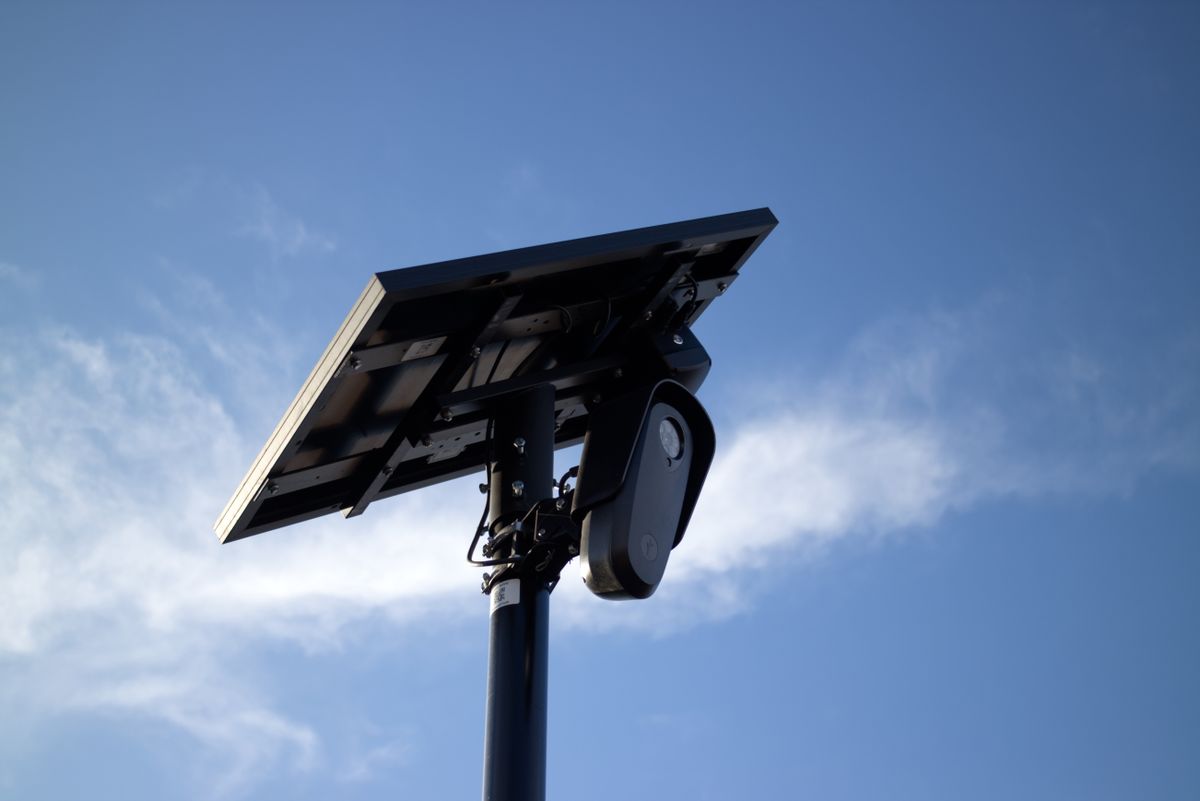
Photo by Will Freeman on Pexels
Does the solar camera work with 5GHz WiFi networks?
No. The camera supports 2.4GHz WiFi networks exclusively. 2.4GHz signals travel significantly farther and penetrate solid exterior walls much better than 5GHz networks, ensuring a stable video stream across outdoor areas. Ensure your mobile phone is connected to your router's 2.4GHz band during initial QR code pairing in the icam365 app.
Is a paid monthly subscription required for cloud storage?
No subscription is required for core video recording functions. The camera provides free rolling 7-day cycled cloud storage out of the box. Additionally, local storage on a Micro SD card (up to 128GB capacity) is a completely free basic built-in function of the hardware. Upgraded cloud storage tiers and custom alert zones are available as optional paid add-ons.
What happens if the solar camera loses WiFi connection?
If the camera temporarily loses its 2.4GHz WiFi connection, its PIR motion detection and local Micro SD card recording functions continue operating as long as the battery has power. However, real-time app notifications, remote pan-tilt controls, and live streaming via the icam365 app require an active internet connection.
How does night vision work on a solar spotlight camera?
When ambient light drops, the camera's built-in infrared sensors switch to night vision mode automatically. When the PIR motion detection sensor identifies human or vehicle movement, two integrated white lights turn on, switching the stream to full-color night vision while illuminating the area to deter intruders.
Read the full guide: How Do Solar Powered Security Cameras Work: The Complete Guide